

นอกจากคนธงเขียว ก็ตารางเขียวนี่แหละที่แพ้! ปฏิเสธไม่ได้ว่าทักษะ Data Management คือสิ่งที่แทบทุกองค์กรมองหา ไม่ว่าจะอยู่สายการตลาด การเงิน หรือสายงานไหนๆ ถ้ารับจบ Microsoft Excel ได้คล่อง งานที่เคยกองท่วมหัวก็จะเสร็จไวและเป็นระเบียบราวกับธานอสดีดนิ้วแบบที่นิ้วไม่ล็อก
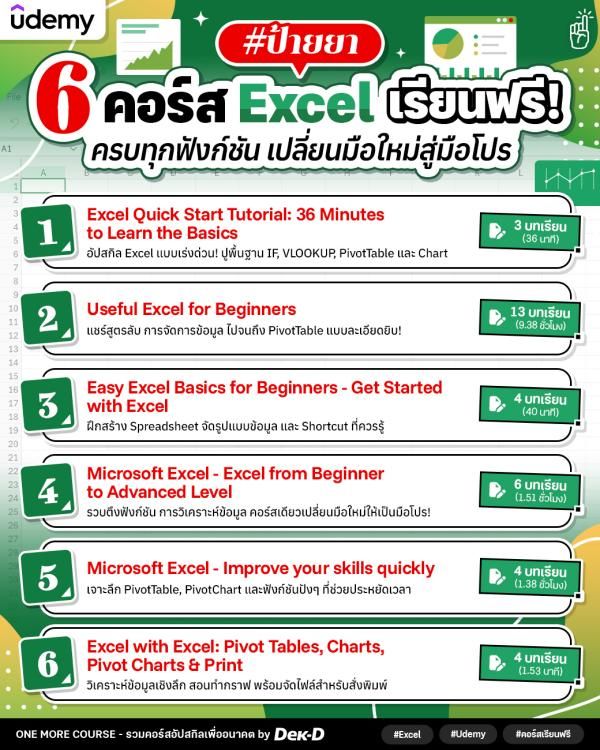
วันนี้ One More Course ขอเปิดวาร์ป 6 คอร์สฟรีบนแพลตฟอร์ม Udemy ตั้งแต่ปูพื้นฐาน ใช้สูตรคำนวณ สร้างกราฟ ไปจนถึงฟังก์ชันระดับ Advanced // ใครยังมึนๆ กับ Excel เซฟไว้เรียนกันเลย!
Note:
- เรียนออนไลน์ฟรีบนแพลตฟอร์ม Udemy (ไม่ใช่คอร์สสอนสด)
- บรรยายเป็นภาษาอังกฤษ
- #ไม่มีใบเซอร์
สรุปขั้นตอนการลงทะเบียน
- กรณีใช้งานครั้งแรก ต้องลงทะเบียนบัญชีผู้ใช้ใหม่กับ Udemy ก่อน / หากมีแล้วสามารถเข้าสู่ระบบได้เลย
- เมื่อเข้าสู่ระบบแล้ว ให้เข้าไปที่หน้าคอร์สที่ต้องการเรียน
- คลิก [ Enroll now ] เพื่อลงทะเบียนเรียน
- จากนั้นคลิก [ Start course ] เข้าเรียนได้เลย
รายละเอียด 6 คอร์สปูพื้นฐานสู่มือโปรด้าน Excel
1. Excel Quick Start Tutorial: 36 Minutes to Learn the Basics
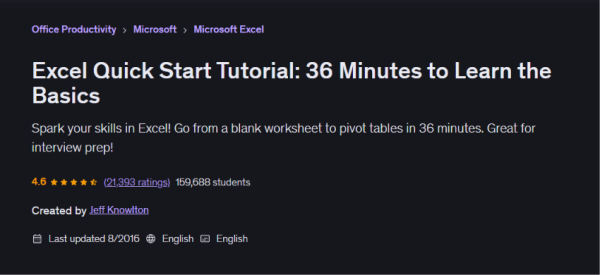
ใช้เวลา 36 นาที พาตั้งต้นให้ตั้งแต่ Blank Worksheet ไปจนถึงการผูกสูตรกู้ชีพยอดฮิตอย่าง IF และ VLOOKUP วิธีเสกตารางสรุปผล (PivotTable) และกราฟ (Chart) // ถึงจะยังไม่เข้มข้นถึงขั้นปรมาจารย์ แต่เลิกช็อกกับตารางและเอาตัวรอดในออฟฟิศได้
หลักสูตรนี้จะได้เรียนอะไรบ้าง
- Course Introduction
- What's a QuickStart Course? - First Case Study: Just the Basics!
- Getting Started with Entering Data and Formulas
- Filtering and Sorting Data; Adding Totals
- Working with Excel Data - Sales Reporting Case Study - Including Pivot Tables, Charts, IF and VLOOKUP
- Sales Reporting and Analysis: An Introduction
- Preparing Data for Analysis: Advanced Functions: IF, VLOOKUP and table functions
- Pivot Tables to Summarize Data
- Displaying the Results with Beautiful Charts
- Working with Pivot Tables
- Wrap Up and Next Steps
เนื้อหา 3 บทเรียน (ระยะเวลา 36 นาที)
เข้าเรียนที่นี่. . . . . . . .
2. Useful Excel for Beginners
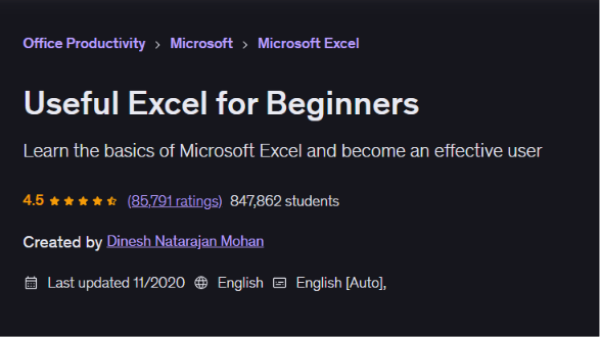
ใครที่รู้สึกคอร์สแรกจะไวแบบหายใจรดต้นคอไปนิด คอร์สนี้อัดแน่น 13 หัวข้อ แบ่งเป็น 89 วิดีโอย่อยจุกๆ โดยเค้าจะสอนมือใหม่แกะกล่องตั้งแต่ระดับศูนย์ โดยจะจำลอง Case Study นั่งจัดการข้อมูลไปพร้อมกับวิดีโอสอน แถมยังมีไฟล์ให้ดาวน์โหลดมาเปิดทำตามได้
P.S. คอร์สนี้จะจำลองหน้าตาโปรแกรมบนระบบปฏิบัติการ Windows ถ้าใช้ระบบอื่นอาจมีปุ่มคำสั่งหรือคีย์ลัดแตกต่างกันเล็กน้อย
หลักสูตรนี้จะได้เรียนอะไรบ้าง
- Introduction
- Basics of Excel
- Entering Data
- Formatting
- Editing
- Saving
- Viewing
- Calculations
- Visualizing
- Analyzing
- Tables
- Sharing
- Final Thoughts
เนื้อหา 13 บทเรียน (ระยะเวลา 9 ชั่วโมง 38 นาที)
เข้าเรียนที่นี่. . . . . . . .
3. Easy Excel Basics for Beginners - Get Started with Excel
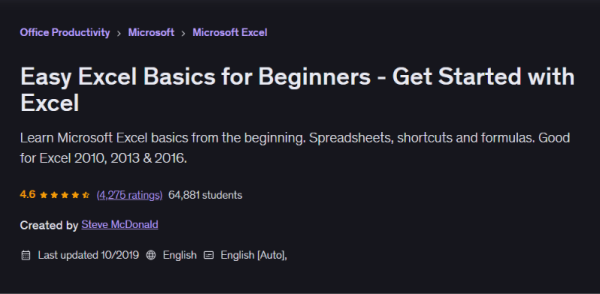
คอร์สนี้จะพาไปสร้างความคุ้นเคยตั้งแต่การสร้างแผ่นงาน (Spreadsheet) คีย์ลัดที่ช่วยเซฟเวลา การผูกสูตรคำนวณบวกลบคูณหาร ฯลฯ ถึงหน้าตาโปรแกรมในคอร์สจะคลาสสิกนิดหน่อย (อิงเวอร์ชัน 2010-2016) แต่พวกปุ่มหลักและตรรกะการใช้งานยังคงความเก๋า เอามาปรับใช้กับเวอร์ชันปัจจุบันได้
หลักสูตรนี้จะได้เรียนอะไรบ้าง
- Welcome to Excel Basics
- Introduction
- The Power and Possibilities of Excel Templates - Excel Basics - Creating a Document From Scratch
- Saving Your Excel File Where You Can Find It
- Entering Data Into Your Worksheet
- Easy Ways You Can Select Cells in Your Worksheet
- How You Can Use Simple Formulas to Add and Multiply
- Creating a Document from Scratch Quiz - Excel Spreadsheet Tutorial - Create Kitchen Remodel Costs Worksheet
- Adding and Formatting a Heading
- Entering and Alphabetizing Words In Your Worksheet
- Entering and Formatting Numbers In Your Worksheet
- Using Formulas to Multiply and Add Your Data
- Final Formatting - Add Borders and Color
- Printing Your Work
- Creating a Kitchen Remodel Cost Worksheet - Conclusion - Thank You and Bonus
เนื้อหา 4 บทเรียน (ระยะเวลา 40 นาที)
เข้าเรียนที่นี่. . . . . . . .
4. Microsoft Excel - Excel from Beginner to Advanced Level
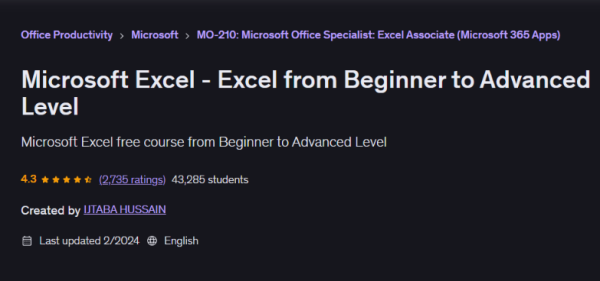
ม้วนเดียวจบจากมือใหม่สู่มือโปร คอร์สนี้พาไต่ระดับตั้งแต่ปูพื้นฐาน สูตรและฟังก์ชันง่ายๆ ไปจนถึงเครื่องมือขั้นสูงอย่าง Conditional Formatting และ Lookup Functions รวมถึงสอนเปลี่ยนตัวเลขชวนปวดหัวให้เป็นภาพข้อมูล (Data Visualization) ให้ดูดีและเข้าใจง่ายพร้อมนำเสนอจริง แถมแทรกเทคนิคการทำงานร่วมกัน (Collaboration) เพื่อให้ประสานงานกับทีมได้แบบ ultra smooth มากขึ้น~
P.S. เนื้อหาจะเป๊ะและทำตามได้ไหลลื่นสุดๆ สำหรับคนที่มีโปรแกรมเวอร์ชัน 2019 หรือ Microsoft 365
หลักสูตรนี้จะได้เรียนอะไรบ้าง
- Introduction
- Introduction of Excel Basic of Microsoft Excel Free Excel
- Who should learn Microsoft excel Benefits of learning excel
- Where to find excel How to open Excel What is Excel and How to use it
- Introduction to Microsoft Excel Interface - Understanding Basic Excel
- How to customize ribbon in excel customize excel
- How to Save and Open Microsoft excel file
- Data entry in Microsoft excel
- How to Use Quick Access Toolbar in excel
- CELL formatting options in Excel - Formulas in Excel
- Basic formulas in excel Basic mathematical calculation in excel
- Cell reference in excel Excel Cell Reference Absolute, Relative or Mixed Excel
- How to use basic excel functions LIKE SUM,AVERAGE,MIN and MAX
- Data Sorting in Excel How to Sort data in excel
- How to FIlter Your data in excel
- Data Validation in Excel
- Advance Data Validation in Excel
- How to Dynamic Data Validation - Charting in Excel
- How to insert chart in excel
- Modifying the Data and Type of a Chart -Changing Chart type in excel
- How to change chart style in excel
- Formatting Charts in Excel - Advance Excel Formulas and Functions
- COUNTIF & COUNTIFS Function in Excel
- SUMIF and SUMIFS function in Excel
- AVERAGE function in Excel
- SUBTOTAL function in excel
- How to use IF and IFS in Excel - Text Functions in Excel
- UPPER,LOWER and PROPER function in Excel
- LEFT and RIGHT function in Excel
เนื้อหา 6 บทเรียน (ระยะเวลา 1 ชั่วโมง 51 นาที)
เข้าเรียนที่นี่. . . . . . . .
5. Microsoft Excel - Improve your skills quickly
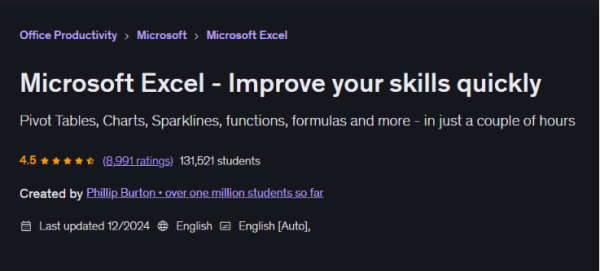
ใช้ Excel เป็นอยู่แล้ว แต่อยากทำงานให้เร็วและคล่องขึ้น คอร์สนี้รวมฟีเจอร์และเครื่องมือที่จะช่วยลดขั้นตอนการทำงานให้ flow มากขึ้น ตั้งแต่ Filter, Conditional Formatting, Table, PivotTable และ PivotChart ไปจนถึง Sparklines และ VBA สำหรับวิเคราะห์ข้อมูลและทำงานบางอย่างแบบอัตโนมัติ พร้อมฝึกใช้ฟังก์ชันสำคัญอย่าง SUMIF และ VLOOKUP ให้ทำงานกับข้อมูลได้อย่างมีประสิทธิภาพมากขึ้น
หลักสูตรนี้จะได้เรียนอะไรบ้าง
- Introduction
- Introduction
- Welcome to Udemy
- Introduction to Udemy - Improve your Skills
- Formatting
- Filters
- Conditional Formatting
- Tables
- PivotTables
- Graphs and PivotCharts
- Sparklines
- Visual Basic for Applications (VBA)
- Practice Activity Number 1 - Improve your Functions
- SUM, AVERAGE, COUNT
- SUMIF, AVERAGEIF, COUNTIF
- VLOOKUP
- OFFSET
- INDIRECT
- Practice Activity Number 2 - Conclusion
- What more should I know about Excel?
- Thank you for taking this course
- Bonus Lecture
เนื้อหา 4 บทเรียน (ระยะเวลา 1 ชั่วโมง 38 นาที)
เข้าเรียนที่นี่. . . . . . . .
6. Excel with Excel: Pivot Tables, Charts, Pivot Charts & Print
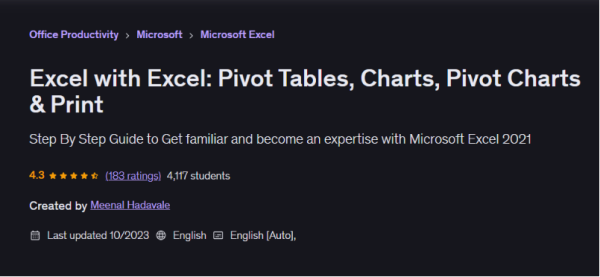
ปิดท้ายด้วยคอร์สอัปสกิลที่เกิดมาเพื่อ Data-Driven Decision-Making และคนทำธุรกิจโดยเฉพาะ! พาไปเปลี่ยนตัวเลขมหาศาลให้กลายเป็น Insight ที่มองปราดเดียวก็ get ไม่ว่าจะเป็นเทคนิค PivotTable และกราฟ (Chart) พร้อมสอนทำ Income & Expense Statement, Data Entry Template และ Conditional Formatting สำหรับวิเคราะห์ข้อมูลการขาย และปิดท้ายด้วยไม้ตายชาวออฟฟิศ ว่าจะตั้งค่าหน้ากระดาษยังไงให้ตารางพอดีหน้าแบบไม่ขาดครึ่ง!
หลักสูตรนี้จะได้เรียนอะไรบ้าง
- Introduction
- Working with PivotTables
- Working with Charts
- Printing Worksheets and Charts
เนื้อหา 4 บทเรียน (ระยะเวลา 1 ชั่วโมง 53 นาที)
เข้าเรียนที่นี่________________________________

#คอร์สดีบอกต่อ ติดตาม One More Course by Dek-D ได้ทุกช่องทาง!
- เข้าร่วมกลุ่ม One More Course คลิกที่นี่
- X: @tornokandcourse
- IG: @tornokandcourse
- TikTok: @tornokandcourse

0 ความคิดเห็น